Works in ChatGPT, Claude, Gemini, Cursor & more
Every AI image model. In any AI chat.
Nano Banana, GPT Image, FLUX, Seedream and more, right inside ChatGPT, Claude, Gemini or any app that supports MCP. One credit balance, no subscriptions. Video and audio are coming soon.
No subscription. No card required to start.
Ask for any image. PixelMCP picks up the request.
Why PixelMCP
A full creative studio inside your AI chat
Several takes, one pick
Ask for up to four variations at once, or try the same brief on different models, then keep the best one.
Brief to final in one chat
Write the brief, review drafts, ask for changes and export, all without leaving your conversation.
Every model, one balance
Nano Banana, GPT Image, FLUX, Seedream and Recraft share one credit balance. No separate logins or plans.
Works where you already work
Claude, ChatGPT, Gemini, Cursor, VS Code, Claude Code, Codex and any other MCP client.
Use cases
Made for everything you publish

Social posts
Square, portrait and story images sized for each platform.

Product photos
Studio and lifestyle shots for your store and ads.
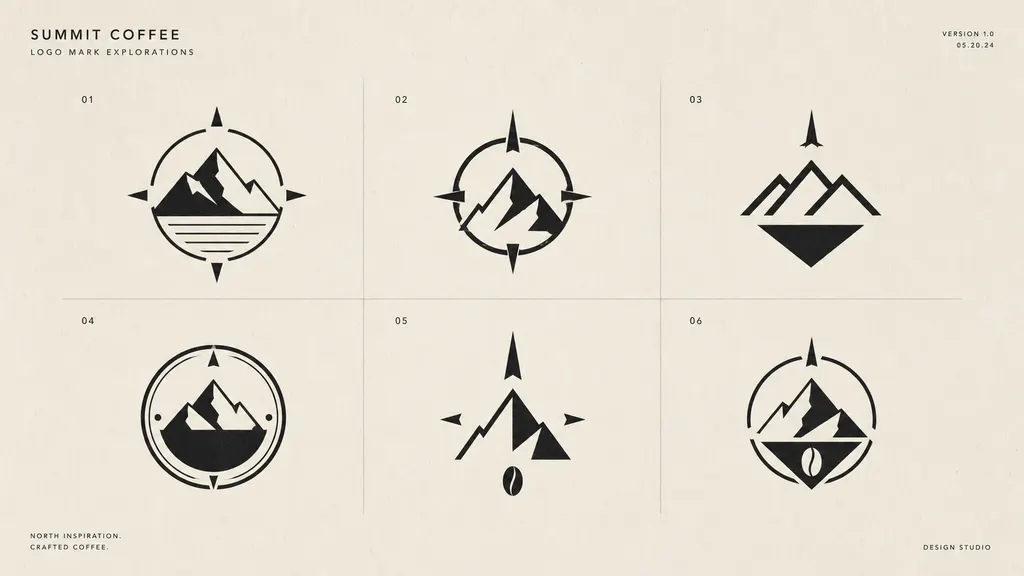
Logos & marks
Explore logo directions quickly, then refine the one you like.
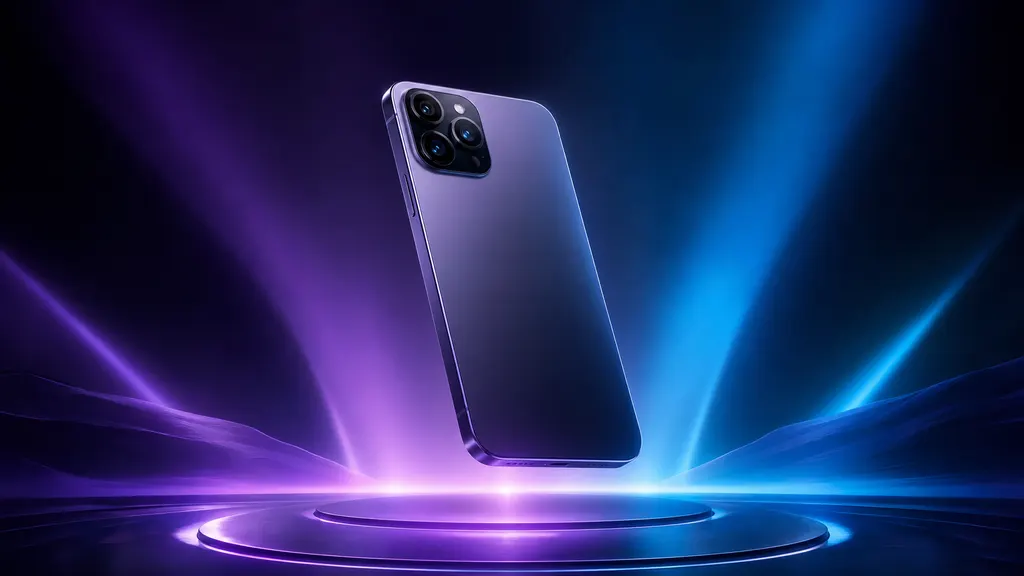
Launch kits
Hero images, banners and announcement assets for a launch.
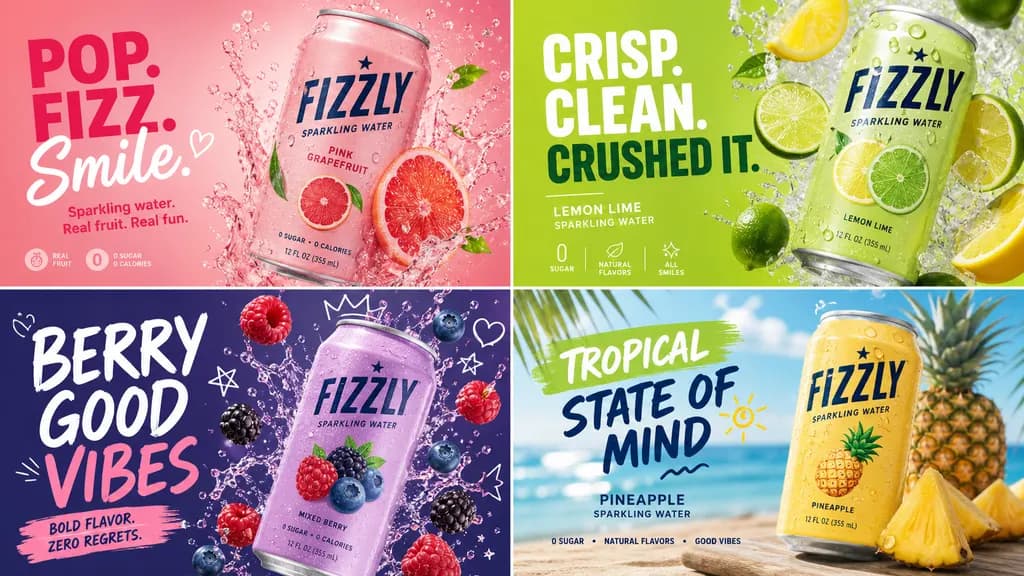
Ad creative
Many ad variations with different hooks, formats and angles.

Blog & OG images
Headers and social cards for every post, straight from your editor.

Icons & illustrations
Consistent spot illustrations and app icons in your palette.

Email campaigns
Headers and inline images that match your brand.
How it works
From idea to finished file in four steps
- 01
Connect
Add PixelMCP to Claude, ChatGPT or any MCP-capable client in about a minute.
- 02
Save your brand
Save your colors, fonts and tone once. They're applied whenever you ask for on-brand work.
- 03
Describe it
Ask in plain language, like “a 15s teaser for our spring drop, upbeat”.
- 04
Ship it
Pick the best take, ask for tweaks and download the full-resolution files.
Works with Claude, ChatGPT, Gemini, Cursor, VS Code (GitHub Copilot), Claude Code, Codex and more. See setup guides →
Models
The best model for each job
Every top image model under one account. You only pay per image, and bigger credit packs make every image up to 17% cheaper.
Nano Banana 2
Fast all-rounder with strong prompt following and legible text. Good default.
$0.25 / image
$0.37 in high-res (2K)
Nano Banana Pro
Highest fidelity from Google: complex scenes, infographics, precise text.
$0.50 / image
GPT Image 2
OpenAI's image model at medium quality. Great text rendering and layouts.
$0.20 / image
GPT Image 2 HD
GPT Image 2 at high quality. Finest detail, slowest (about 1–2 minutes).
$0.78 / image
FLUX.2 Pro
Photorealistic product and lifestyle shots with natural lighting.
$0.11 / image
$0.28 in high-res (2K)
FLUX.2 Klein
Cheapest and fastest (about 6 seconds). Ideal for drafts and exploring ideas.
$0.06 / image
$0.07 in high-res (2K)
Seedream 5.0 Pro
Rich, cinematic imagery and bold stylised visuals.
$0.17 / image
$0.33 in high-res (2K)
Recraft V4.1
Illustration, icons, posters and brand design work.
$0.13 / image
Video, voice & music
Veo, Kling, Seedance and music models are on the way. Same credits, same chat.
Not sure which to use? Compare the models →
Brand kits
On-brand every time, automatically
Save your palette, typefaces, logo and tone once. Each generation uses them, so you never have to paste a style guide into a prompt again.
Palette
Type
Display / Body
Tone
Confident, warm, never salesy.
Pricing
Pay for what you make
Credits never expire. No subscriptions, seats or recurring fees. Every new account gets 100 free credits.
Starter
$10one-time
1,000 credits
Try every model. Great for a few campaigns.
Creator
Popular$25one-time
2,750 credits
10% bonus credits for regular creators.
Studio
$50one-time
6,000 credits
20% bonus credits for teams and agencies.
FAQ
Questions, answered
What is PixelMCP?+
PixelMCP is an image studio that runs inside your AI assistant. It sends your request to leading image models and returns finished images in the same chat. Video and audio are coming soon.
What is MCP?+
The Model Context Protocol is an open standard that lets AI assistants use external tools. It's how PixelMCP connects to Claude, ChatGPT and other MCP-capable clients.
Which models can I use?+
Nano Banana 2 and Pro (Google), GPT Image 2 (OpenAI), FLUX.2 Pro and Klein, Seedream 5.0 Pro and Recraft V4.1. We add new models as they're released, and video and audio models are next.
How does pricing work?+
You buy credits and spend them per generation. There's no subscription or seat fee, and credits never expire. New accounts start with 100 free credits.
What is auto top-up?+
When your balance falls below $5 of credits, we charge your saved card $20 and add credits at the rate of the best pack you've bought. It's on by default when you buy a pack, and you can switch it off anytime in your dashboard.
How do you keep things on-brand?+
Save a brand kit (colors, fonts, tone and guidelines) and pick it in the dashboard, or ask your assistant to use it. It's added to the prompt so outputs stay consistent without repeating yourself.
Where are my files stored?+
Every generation is saved to your library, where you can download it or reuse it at any time.
Your next campaign is one message away.
Start with 100 free credits. Top up only when you need more.
Get 100 free credits