Codex · Game assets
How to Make Game Assets in Codex
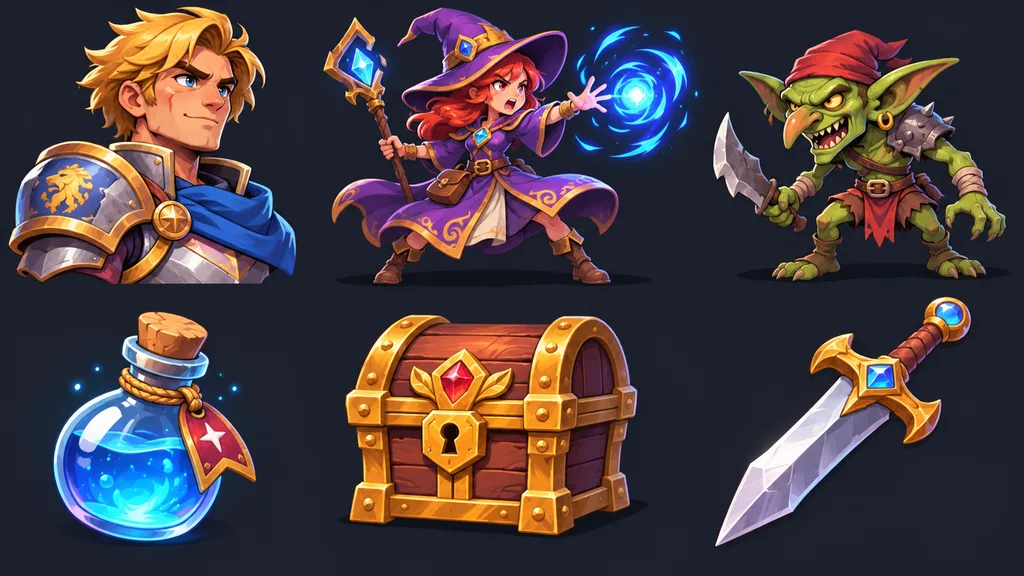
Connect PixelMCP to Codex and your agent can make game assets while it works, then save the files straight into your project. Generate character portraits, battle sprites, items and backgrounds for your game in one consistent art style. Coding agents like Claude Code and Cursor can save each asset straight into your project's assets folder.
1. Connect PixelMCP to Codex
This takes about a minute and you only do it once.
1. Add the server
Run:
codex mcp add pixelmcp --url https://pixelmcp.com/mcp2. Or edit config directly
Equivalent entry in ~/.codex/config.toml:
[mcp_servers.pixelmcp] url = "https://pixelmcp.com/mcp"3. Sign in
Run the login command and approve access in your browser:
codex mcp login pixelmcp4. Start Codex
Launch codex and run /mcp to confirm PixelMCP's tools are listed.
Menus change often. If something doesn't match, see the full Codex guide.
2. Ask your agent for game assets
“Cartoon fantasy RPG character bust portrait of a dwarf blacksmith, 3/4 view, hand-painted mobile game style, plain background.”
“Full-body battle sprite of a fire mage, same style as the last one, facing right, plain background.”
“Make game assets for this project and save them to /public/images with descriptive file names.”
3. Pick the right model
Recraft V4.1
Illustration, icons, posters and brand design work.
Nano Banana 2
Previous Google Flash model with strong prompt following and legible text. Nano Banana 2.1 is newer and cheaper.
FLUX.2 Klein
Cheapest and fastest (about 6 seconds). Ideal for drafts and exploring ideas.
See every model ranked in best AI model for game assets.
Tips
- Write one style line (for example “hand-painted mobile RPG, thick outlines, warm palette”) and paste it into every prompt.
- Ask for a plain or solid background so sprites are easy to cut out.
- Draft dozens of ideas with FLUX.2 Klein, then make the keepers with Recraft V4.1 or Nano Banana 2.
- In a coding agent, ask it to name files by asset ID and save them to your assets folder.
- Ask Codex to reference the saved files in your code, for example as an <img> tag or in frontmatter.
FAQ
Can Codex make game assets?+
Yes, once PixelMCP is connected. Codex writes the prompt and PixelMCP generates the images with models like Recraft V4.1, then the agent can save the files into your project.
Which model should I use for game assets in Codex?+
Start with Recraft V4.1: illustration, icons, posters and brand design work. Name the model in your message, or let Codex choose.
How much does it cost?+
From $0.06 per image with the recommended models. Pay as you go with credits that never expire. New accounts get 100 free credits.
What do I need to use PixelMCP in Codex?+
Codex CLI installed (npm install -g @openai/codex). The IDE extension shares the same config.